3 Smartphone Hacks Every Eventer Should Know
The following is provided through a partnership between STRIDER and the USEA. As part of our shared commitment to horse and rider success, this article series explores key topics to help build knowledge and capacity across the eventing community.
Eventers are exceptionally good at managing complicated things. Show schedules. Packing lists. Tack changes just 5 minutes before stadium.
Still, learning a few technology tricks can always make the day easier. Here are three simple smartphone hacks worth learning before the rush of summer eventing begins.
1. Set Your Venmo Transactions to be Private
Horse people use digital payments constantly now—for everything from making board payments to entering horse trials and cross-country schooling through platforms like STRIDER.
What many riders do not realize is that Venmo transaction details are public by default. Which means anyone can see your payments for lessons, horse trailering, coaching, etc.
And in a world where everyone seems connected by two degrees, that just might be more financial visibility than either you or the recipient intended. Fortunately, changing the settings takes less than a minute.
PROTIP: To make your Venmo transactions private:
- Open Venmo
- Tap “Me” in the bottom corner
- Tap the gear icon in upper right.
- Select “Privacy”
- Change “Default Privacy Setting” to “Private”
2. Schedule Your Texts Instead of Sending Them at All Hours
The day runs long for eventers. It can be tempting to send horse texts whenever you finally have a quiet moment—after work, after dinner, often late at night.
It can also really mentally distract you from your riding progress, not to mention place extra stress on the team caring for your horse. And unless your horse needs an emergency vet, most things truly can wait until morning.
PROTIP: Did you know your cell phone now lets you schedule send your text message?
It is one of the easiest ways to support a healthy barn/life boundary while still staying organized.
On iPhone:
- Open Messages
- Type your text
- Tap the “+” icon beside the message box
- Select “Send Later”
- Choose the delivery time
On Android:
- Type your message
- Hold down the send button
- Select the scheduled delivery time
3. Collect Photos Of Yourself As An Eventer
This competition season, make a point to capture polished, authentic images of yourself—not just your rides. A simple setting on your smartphone can help create photos that reflect who you are as an equestrian.
Then you’ll have a great source of options when it comes to grant applications or pitching sponsors.
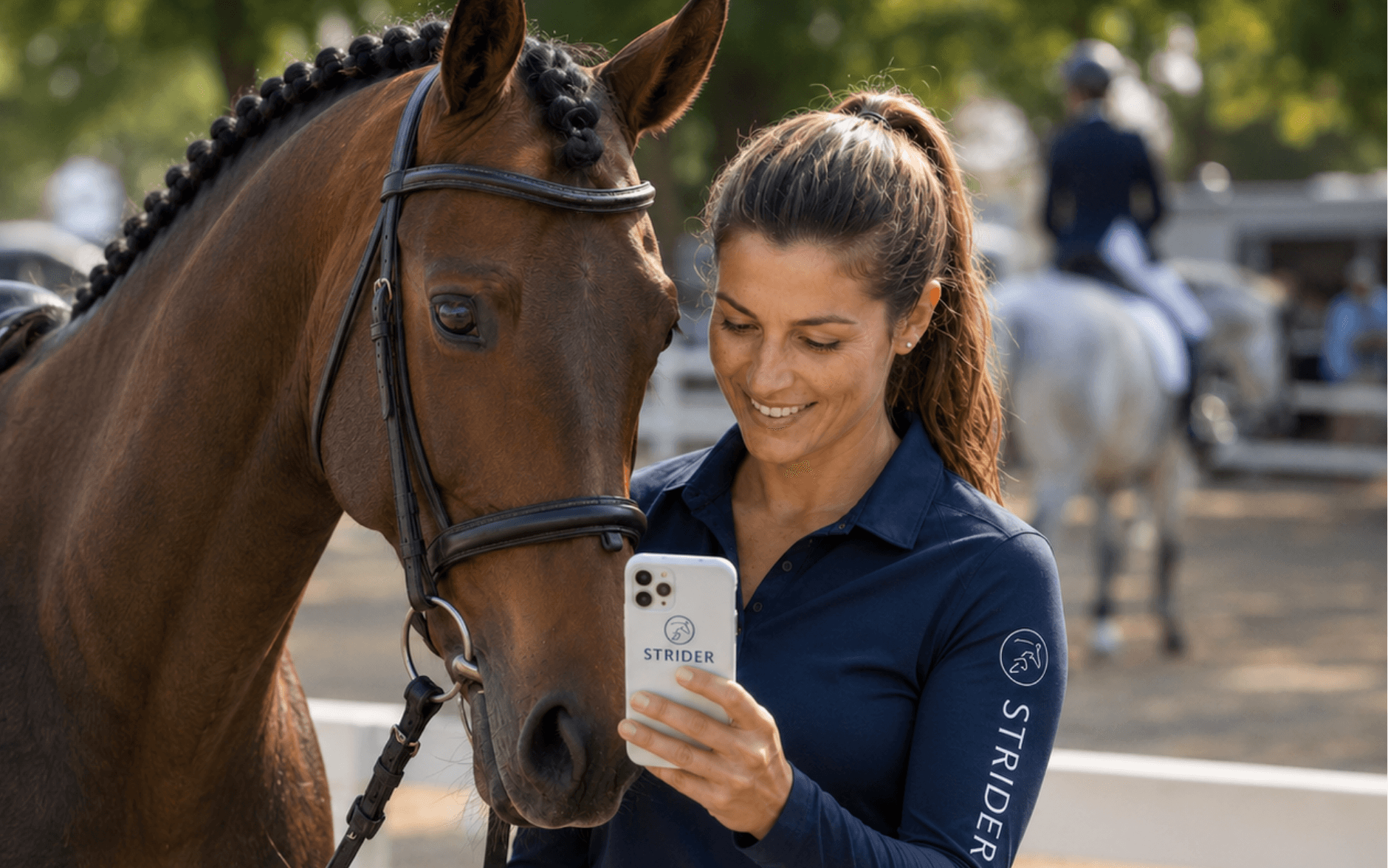
PROTIP: Use “Portrait Mode” on your phone camera. Portrait Mode softly blurs the background while keeping you sharp and clear, so the trailer chaos and showground clutter fade away.
On iPhone/ Android:
- Open Camera
- Swipe to “Portrait”
Whether you’re heading to dressage or just finished cross-country, take a quiet moment beside your horse. Remove your sunglasses, hand your phone to someone nearby, and ask for a quick photo.
For adult amateurs, these images become meaningful keepsakes alongside the great action shots from the show photographer.
For aspiring professionals, they gradually build a library of personal branding images that tell your story—useful for sponsorship opportunities, horse syndicates, and more.
#StrideForward~
-----------------
STRIDER is the leading entry platform across disciplines for the equestrian industry. STRIDER is proud to partner with the USEA to support educational resources and digital tools that help eventers at every level navigate the sport more efficiently. Please visit www.striderpro.com to learn more, or get started with a free Organizer account.
Related Articles

Registration Now Open for 2026 USEA Annual Meeting & Convention and U.S. Eventing Hall of Fame Induction Ceremony in Arlington, Virginia
Registration is now open for the 2026 USEA Annual Meeting & Convention, which will include the U.S. Eventing Hall of Fame Induction Ceremony Dinner, on December 11-13 in Arlington, Virginia. Interested members are enco...
USEA Names Athletes for Winter 2026-2027 EA21 National Camp
The United States Eventing Association (USEA) is pleased to announce the 12 young athletes selected for the 2026-2027 USEA Emerging Athletes U21 (EA21) National Camp. Following five regional clinics held across the country this summer, these athletes have been invited to continue their developmen...
New Ways to Give Back to the USEA Programs You Love
The United States Eventing Association (USEA) is pleased to introduce a new way for members and supporters of the sport to give back to the programs that mean the most to them.